 Scoped SEO
 Add to Chrome
Social
Open Graph and Twitter Card tags with a status for each, and previews of how the page looks when shared.
The Social tab has two sub-tabs: Open Graph and Previews.
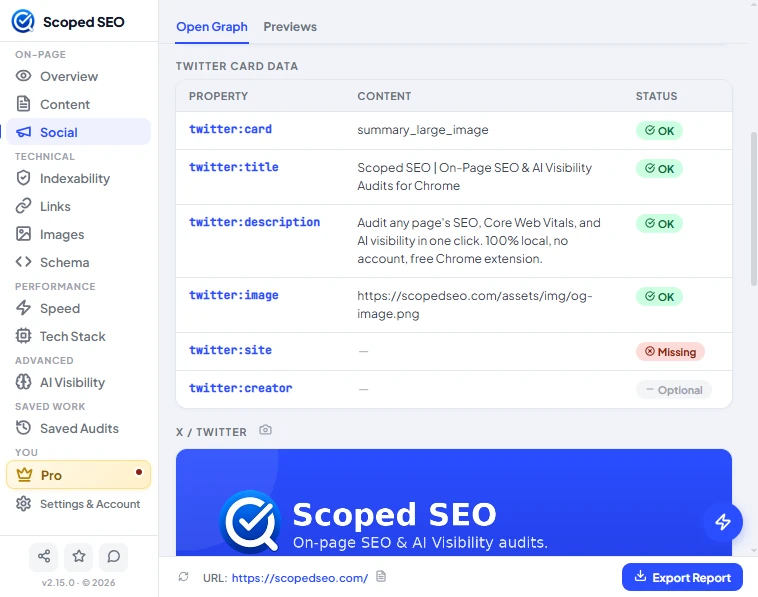
Open Graph and Twitter Card data
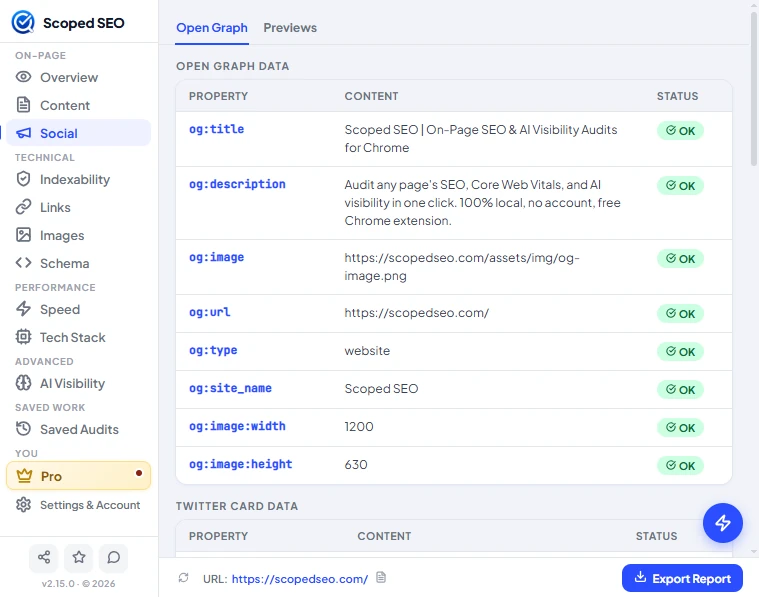
Every tag is listed with its content and a status: OK, Missing or Optional. Open Graph tags cover title, description, image, URL, type, site name and image size. Twitter Card tags cover card type, title, description, image, site and creator.
Previews

The Previews sub-tab renders the share card for X / Twitter, LinkedIn and Facebook. The camera icon on each preview copies or saves a screenshot, which is handy for client reports.

Note. Preview images load from their original addresses, so the host of each image can see that request, as it would for any visitor. Image dimensions are not stored in saved audits.
Something unclear or out of date? Tell us or email support@scopedseo.com. These docs describe version 2.15.0.