 Scoped SEO
 Add to Chrome
Content
Title and description checks, the heading tree, page details, readability and keyword relevance.
The Content tab has five sub-tabs: On-Page Elements, Headings, Page Details, Readability and Relevance.
On-Page Elements

The Title and Description cards show the text, its length in characters, and a bar judged against real best-practice ranges. The pencil icon lets you try different text and see how its length would score. That is a preview inside the popup only, and nothing on your page changes. The camera icon copies or saves a screenshot of the card.
Title vs H1
This card compares the title tag with the page's primary H1 and tells you whether they are consistent. A difference is flagged for review, never called an error, because many good pages use different wording on purpose.
- If a page has more than one H1, the first one in document order is compared, with a note.
- The card reads Not Evaluated when there is no title, the first H1 is empty, or the data can't be read.
- The comparison never changes the SEO score.
Headings
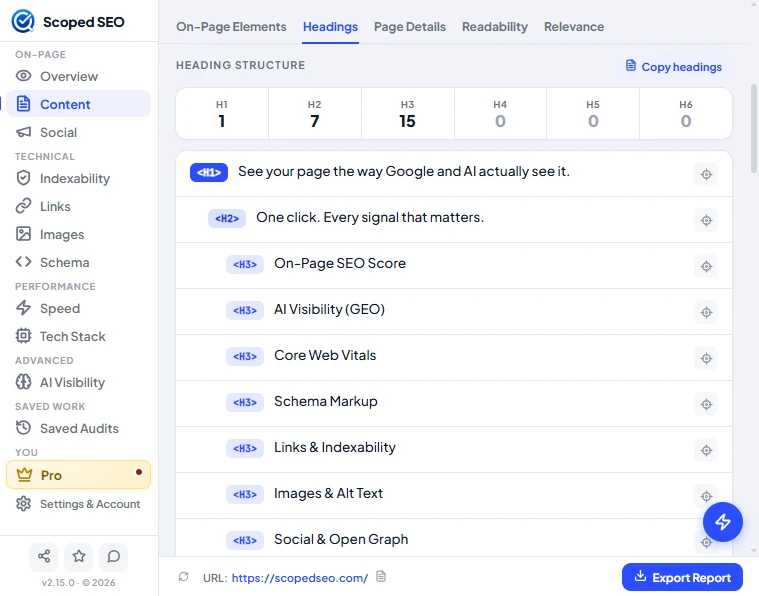
A strip counts headings from H1 to H6, and the tree below shows every heading in order with indentation for its level. Skipped levels are flagged. Use Copy headings to copy the outline as text, and the target button on a row to locate that heading on the page.
Page Details
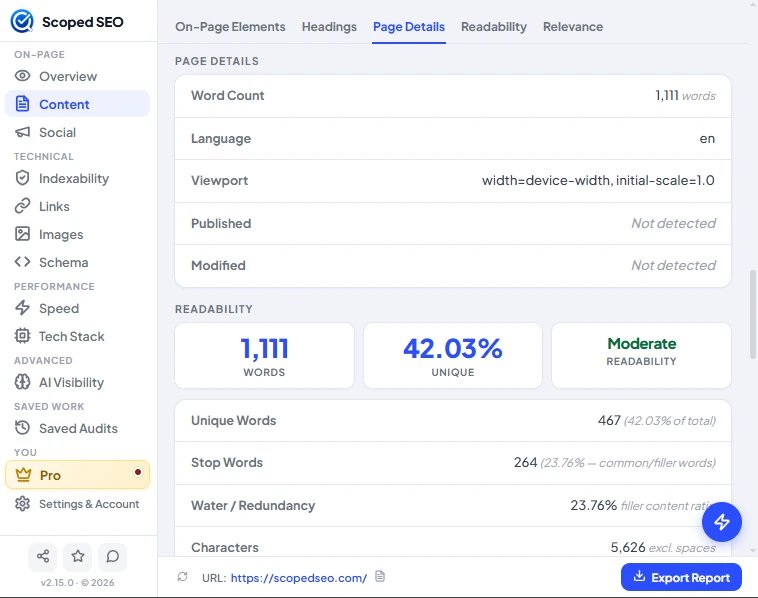
Word count, language, viewport tag, and published and modified dates when the page declares them (otherwise "Not detected"). Below that, readability tiles show total words, the share of unique words and an overall rating, with unique words, stop words, a water/redundancy percentage and character count.
Readability
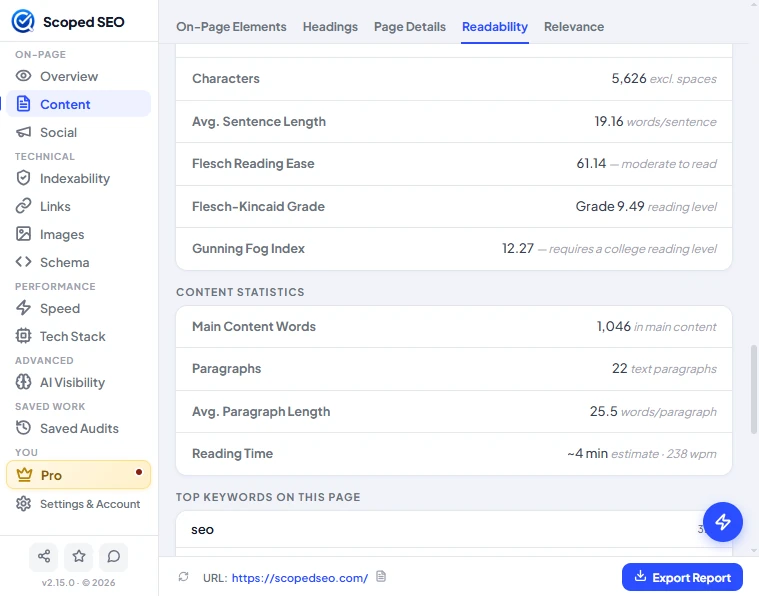
- Average sentence length in words per sentence.
- Flesch Reading Ease, Flesch-Kincaid Grade and Gunning Fog Index, each with a plain-language reading of the number.
- Content statistics: main content words, paragraph count, average paragraph length and reading time. Reading time uses 238 words per minute and is labelled as an estimate.
What counts as main content
Scoped SEO looks for a main element, an element with role="main", or an article with real text. If there isn't one, it takes the body text and strips navigation, header, footer and sidebar areas. If neither works, it counts paragraph text only and says so. Paragraphs are visible p elements of at least five words, outside navigation, forms, dialogs and cookie or consent banners.
Relevance
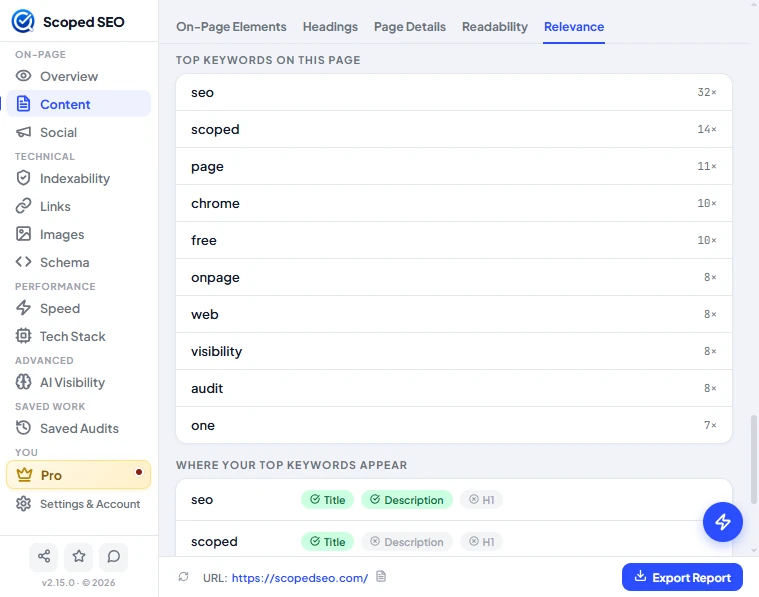
The top keywords on the page with how often each appears, followed by a grid showing whether each one also appears in the Title, Description and H1. This is a frequency view, not a keyword-density target. There are no length or keyword rules to hit.